API-fillable template in seconds
Document infrastructure for AI agents

Migrate to Anvil


What agents or humans can do with Anvil
Start collecting filled & signed PDFs for free
Integrate your preferred language using Anvil's MCP
Official SDKs in 4 languages. Each one ships with typed models, streaming download support, and a dedicated guide with runnable code for the most common PDF jobs.
import fs from 'fs'
import Anvil from '@anvilco/anvil'

// Your API key from your Anvil organization settings
const apiKey = process.env.ANVIL_API_KEY ?? ''

async function generateMarkdownPDF () {
  const anvilClient = new Anvil({ apiKey })

  const { statusCode, data, errors } = await anvilClient.generatePDF({
    title: 'Example Invoice',
    data: [{
      label: 'Name',
      content: 'Sally Jones',
    }, {
      content: 'Lorem **ipsum** dolor sit _amet_, consectetur ' +
        'adipiscing elit, sed ' +
        '[do eiusmod](https://www.useanvil.com/docs) tempor ' +
        'incididunt ut labore et dolore magna aliqua.\n\n' +
        '* Sagittis eu volutpat odio facilisis.\n\n' +
        '* Erat nam at lectus urna.',
    }, {
      table: {
        firstRowHeaders: true,
        rows: [
          ['Description', 'Quantity', 'Price'],
          ['4x Large Widgets', '4', '$40.00'],
          ['10x Medium Sized Widgets in dark blue', '10', '$100.00'],
          ['10x Small Widgets in white', '6', '$60.00'],
        ],
      },
    }],
  })

  if (statusCode === 200 && data) {
    // `data` is the generated PDF binary; save it with no encoding or the
    // file will be corrupt
    fs.writeFileSync(
      'generate-markdown-output.pdf', data, { encoding: null }
    )
    console.log('Generated PDF saved to generate-markdown-output.pdf')
  } else {
    console.log(
      'Error generating PDF:', statusCode, JSON.stringify(errors, null, 2)
    )
  }
}

generateMarkdownPDF().catch((error) => {
  console.error(error)
  process.exit(1)
})
Launch products faster
Free up developer time
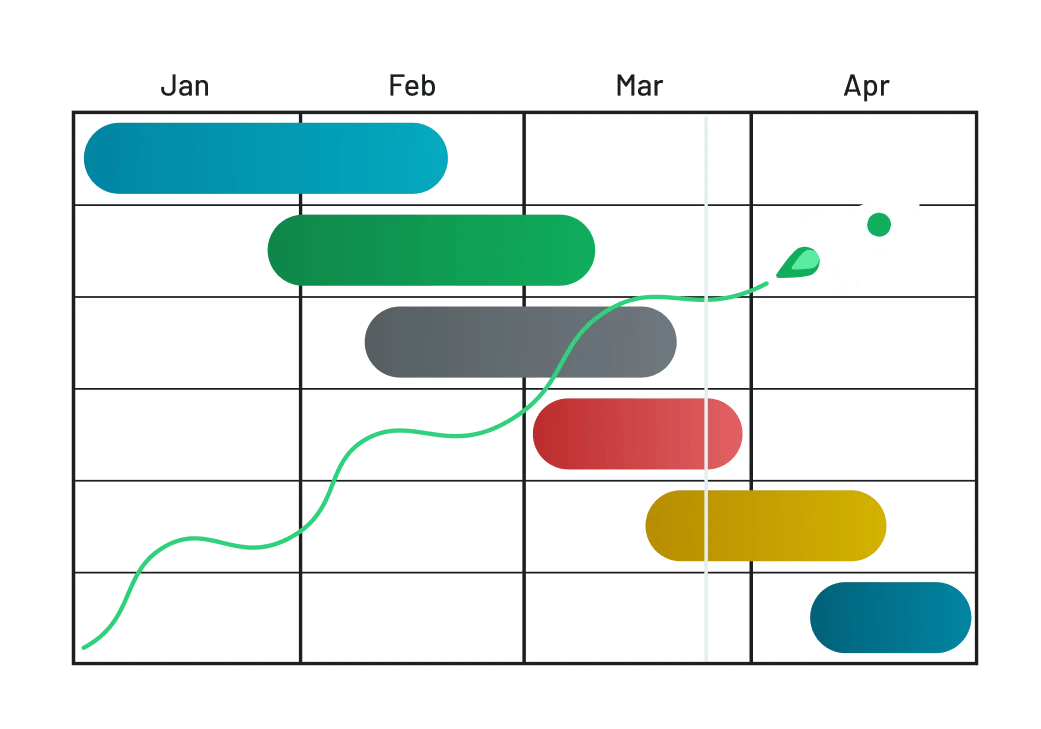
Own your user experience


Turn your PDF into an API-fillable template in seconds.
Integrate with 
Frequently asked questions
Anvil is built for developers and product teams that need to embed paperwork (fillable PDFs, e-signatures, and data collection) into their own products, plus operations teams who want a no-code builder for internal document workflows.
Anvil's Free plan includes unlimited Etch e-signature packets sent from the Anvil dashboard, dashboard-only PDF filling with Document AI, 2,500 free credits for PDF generation, and 500 free PDF-filling API calls. See the Pricing page for full plan details.
Yes. Anvil is SOC 2 Type II certified and fully HIPAA-compliant, with Business Associate Agreements (BAAs) available for organizations handling protected health information. Anvil is also GDPR-compliant, offers DPAs, and is ESIGN-, UETA-, and eIDAS-compliant for legally binding e-signatures. See Anvil's security and compliance page for the full list.
Anvil is API-first from the ground up and bundles PDF filling, PDF generation, Etch e-signatures, and Webforms in one platform. DocuSign is primarily an e-signature platform. PandaDoc is a document-management platform focused on proposals, contracts, and e-signatures. If you need to fill or generate PDFs alongside e-sign, Anvil consolidates the stack; if you only need e-sign for sales documents, DocuSign or PandaDoc may be a closer fit.
Yes. Anvil ships both REST endpoints (for example, POST /api/v1/fill/{templateId}.pdf for PDF filling and POST /api/v1/generate-pdf for PDF generation) and a full GraphQL API for the Etch e-signature and Workflows products. Official SDKs are available in multiple languages including JavaScript, TypeScript, Python, C#/.NET, and Java, with typed models and runnable examples for the most common jobs.
Three things. First, Anvil is API-first and comes with SDKs, embedded/iframe signing, and full white-label styling out of the box. Second, Anvil bundles PDF filling, PDF generation, and Etch e-signatures in one platform, so a single vendor covers the full paperwork stack. Third, Anvil uses usage-based pricing for API-sent packets: you only pay for completed signature packets, not for packets that go unsigned.
Yes. For teams using a separate form tool plus a separate signature tool, Anvil consolidates both into one platform. Webforms handle data collection with conditional logic and translations, PDF services fill or generate documents from the collected data, and Etch routes them for legally binding e-signature, with a single compliance posture (SOC 2 Type II, HIPAA, GDPR, eIDAS) covering the whole flow.
Yes. Anvil is built for embedding. Etch supports embedded signers via iframe with full white-label CSS styling, so signers stay in your app. Webforms embed directly into your product for data collection, and React UI components ship for both. Combined with the REST and GraphQL APIs, you can build custom front-ends and end-to-end paperwork flows without users ever leaving your product.
Fast. Per the Workflows product page, teams typically launch a document flow (PDF in, Webform, e-sign out) in days, not months. Document AI auto-tags fields on uploaded PDFs so you don't hand-build templates, every account includes a free developer sandbox, and official SDKs in JavaScript, TypeScript, Python, C#/.NET, and Java ship with typed models and runnable examples. Start with the Getting Started guide or our MCP guide.
Anvil is industry-agnostic by design. The platform is a set of flexible primitives (data collection, PDF fill, PDF generation, and e-signature) that combine into a workflow for any paperwork-heavy use case. In practice, Anvil works most closely with five industries where document volume is highest: Insurance (rate, quote, and bind), Human resources (onboarding and offboarding), Real estate (transactions and leases), Healthcare (HIPAA-compliant workflows), and Finance (customer onboarding and compliance). If your industry isn't listed, the same building blocks apply. Anvil was built to flex to any document workflow.
Yes. Upload any PDF to create a template – Document AI auto-tags fields and Anvil's Casts language supports conditional logic. Fill templates programmatically via the PDF Filling API with JSON data, generate net-new PDFs from HTML/CSS or Markdown via the PDF Generation API, or use Workflows to collect data via Webforms and produce filled and signed PDFs at the end.
Anvil has a native Zapier app that connects Anvil to Salesforce, HubSpot, and hundreds of other tools – fill a PDF, start or pre-fill a Workflow, and link to a submission from any Zap. Native Salesforce and HubSpot integrations are coming soon. For custom integrations, use Anvil's REST and GraphQL APIs directly, with official open-source SDKs in multiple languages.
Anvil takes the opposite approach. We believe data shouldn't be stuck inside a PDF in the first place, so extraction shouldn't be needed. Instead, use Webforms to collect structured data from users upfront. That data is captured in a clean, structured database inside Anvil (or piped to your own via API and webhooks) so it can be reused across future documents: fill a PDF today, and never ask that user for the same info again. Route the collected data through the PDF Filling API or PDF Generation API to produce documents on demand. If you're starting from an existing PDF, Document AI auto-tags fields so you can templatize it, then treat those fields as your source of truth going forward.
Yes. Check it out here.
Get a demo
(from a real person)
Secure, compliant, reliable
Anvil uses digital certificates, specifically the industry-standard Public Key Infrastructure (PKI) framework, for identity verification in document signing. This involves creating a pair of certificates – public and private. Read more